Showing posts with label HTML. Show all posts

Saturday, February 7, 2015

Cross Browser HTML Input Placeholder color change using CSS with Example.


HTML5 Placeholder example

One of the features of HTML5 that was very quickly adapted by the developers around the globe and almost all the browsers developed since then, was “placeholder” attribute in input element. People stopped using javascript snippet in their code with onclick and onblur events.
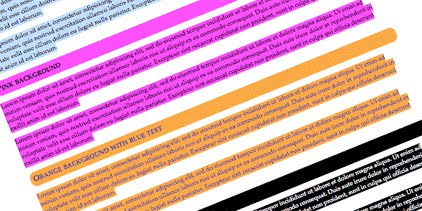
Disable text selection highlighting using CSS - Cross Browser

disable select text using css

The below CSS properties are helpful to stop the users to select the text from webpage. These are not standard properties. but still works most of the browsers.

Monday, September 29, 2014

Jquery plugin for Source code syntax highlighting in HTML

Introduction

This plugin allows syntax highlighting of source code snippets in an html page. It is very important especially when we want to show our code example. There are a lot of free and useful syntax highlighting scripts around, but they are big, slow and have unnecessary functionality.
I found this little script to highlight HTML, CSS, PHP and JavaScript syntax. It's very simple and works quickly.